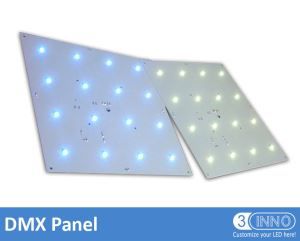

Artnet DMX Madrix Compatible Controller DMX Controller DMX Artnet Artnet Node LED DMX Controller DMX
-
Price:
Negotiable
- minimum:
- Total supply:
-
Delivery term:
The date of payment from buyers deliver within days
-
seat:
Guangdong
-
Validity to:
Long-term effective
-
Last update:
2017-07-17 23:37
-
Browse the number:
381
Company Profile
- 3Cinno Group Co.,Ltd
-
Contact:
sansinuo(Mr.)
-
Email:

-
Telephone:

-
Phone:

-
Area:
Guangdong
-
Address:
B 421, Tianhui Building, Donghuan 1st Road, Longhua New District, Shenzhen, China.
-
Website:
http://www.3cinnolighting.com/ http://sansinuo.yongshengjingzhu.com/
 By certification [File Integrity]
Categories
- Auto Parts & Accessories
- Consumer Electronics
- A/V Accessories
- Auto Electronics
- Cameras & Accessories
- Communication & Telecom
- Computer & Laptop Accessories
- Computer Subsystems
- Computers & Laptops
- Digital Signage
- Financial Equipment
- Home Audio
- Networking Products
- Office Electronics
- Outdoor Electronics
- Professional Audio & Stage Equipment
- TVs & Video
- VR & Gaming
- Drones & Robotics
- Electronic Components
- Fashion Accessories & Footwear
- Fashion Apparel & Fabrics
- Furniture & Home Decor
- Gifts & Premiums
- Hardware
- Health & Personal Care
- Home Appliances
- Housewares
- LED & Solar Products
- Machinery & Parts
- Apparel & Textile Manufacturing Equipment
- Electronics Manufacturing Equipment
- Environmental Equipment
- Hardware Industry Tooling & Services
- Industrial Machinery
- Industrial Measuring, Testing & Inspection Equipme
- Industrial Printing & Packaging Supplies
- Industrial Safety & Law Enforcement Equipment
- Industrial Supplies
- Manufacturing Equipment
- Material Handling & Construction Machinery
- Vending & Entertainment Machines
Product Details
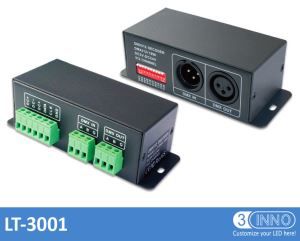
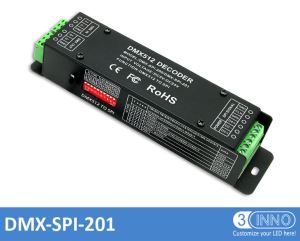
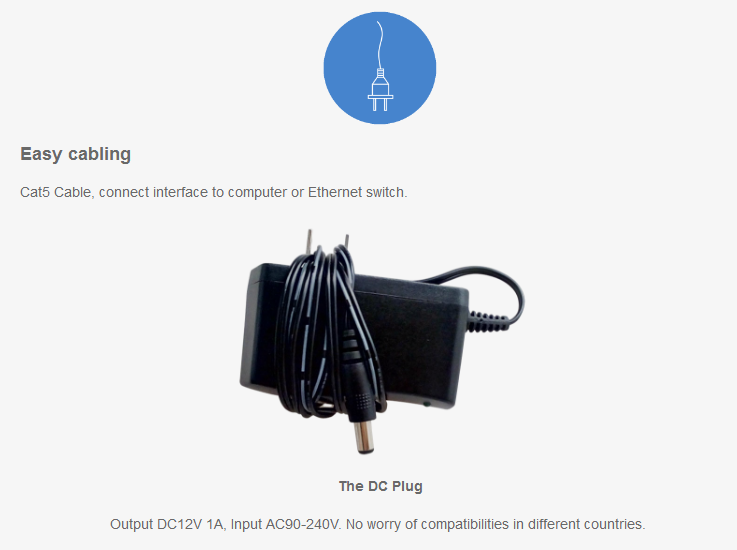
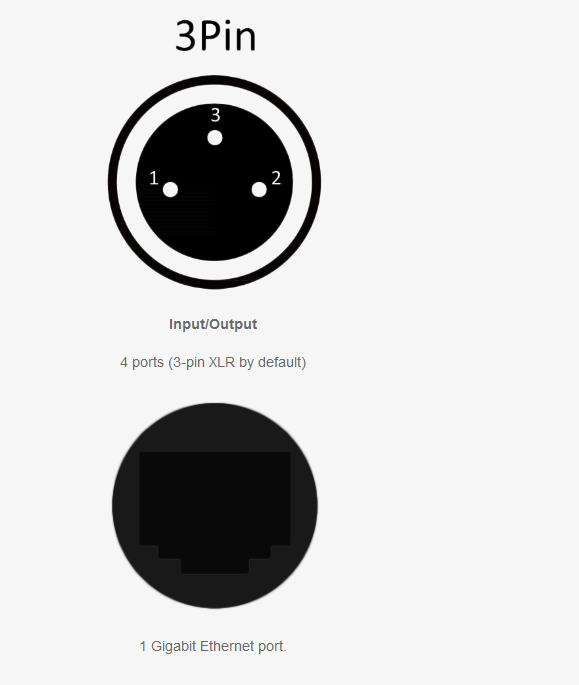
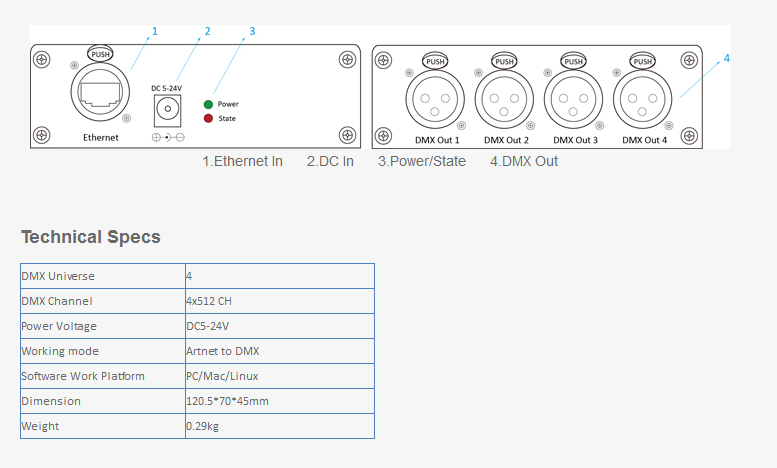
Artnet DMX Madrix Compatible Controller DMX Controller DMX Artnet Artnet Node LED DMX Controller DMX Controller for LED Lights Lighting Controller DMX Iinterface DMX DMX Controller LED is developed specifically for MADRIX, it is the network connection control systems for DMX 512 protocol lamp which it can more suitable for long-distance control, port using XLR5, RJ45, easy to connect lamps and computers. It combined with video playing software MADRIX, can control rules, shaped and other point, line , surface light source.
FAQ:
How to reset to factory default settings ?
In rare cases you might need to restore the default settings of the device. Follow these steps to carry out a reset a reset to factory default setting:
Step1) Disconnect the device from power.
Step2) Use a suitable tool to press the reset button on the unit's back side.
Step3) Continue to press the reset button and connect to power again.
Step4) Continue to press the reset button and wait until all status LEDs on the front of the device flash repeatedly or wait 10seconds.